


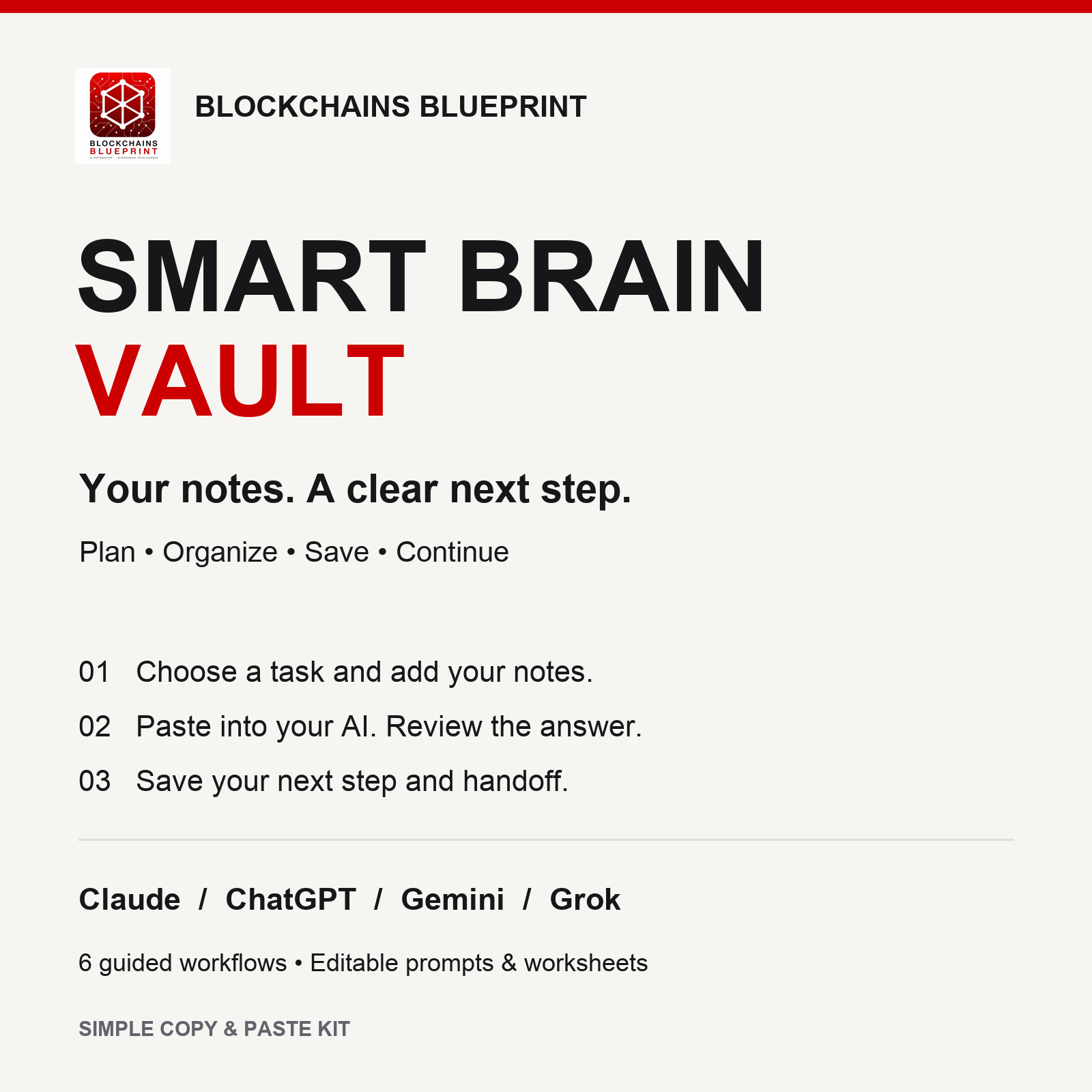
Your notes. A clear next step.
Smart Brain Vault helps you turn scattered notes into a plan you can review, save and pick up again. Use it with Claude, ChatGPT, Gemini or Grok through simple copy and paste.
CHOOSE A TASK, PASTE, REVIEW, SAVE
Open the branded Start Here guide, choose one of six workflows, and add your notes. Copy the prepared prompt into your AI chat. Check its answer, save the useful result, and take the handoff into your next session—even when you switch AI tools.
WHAT YOU GET
• A branded browser guide with a prompt builder and text downloads.
• Six workflows: plan your day, start a project, organize research, compare a decision, review your week, and continue or switch AI.
• Six editable worksheets and six plain-text prompts.
• A fictional practice exercise, example result and review checklist.
• Simple setup, troubleshooting and provider instructions.
EASY TO START
Extract the ZIP and open START-HERE.html. No coding, API key, Obsidian or connected automation is required. A computer is recommended for editing and saving. You need internet access and access to one supported AI chat service; its account rules, usage limits and optional subscription costs apply separately.
HOW YOUR NOTES WORK
The guide builds prompts locally. You choose what to paste into your AI service. Review AI answers and download or save your notes yourself. This is a notes and prompt kit: it does not automatically organize files, sync accounts, remember other chats or operate unattended. No AI subscription is included.
DELIVERY
$7 one-time digital download. ZIP with an HTML guide and editable TXT files. Edition 2026.10.09. Single-user use; resale and redistribution are not included.
An independent Blockchains Blueprint product. Provider names describe compatibility; no provider endorsement is implied.

